Welcome to the SynergyOS Monthly Newsletter for April 2025
This month we’ve introduced the all-new Explorer and Files apps (replacing the Drive app), released a Directory revamp, added smart tagging to folders to make saving emails and attachments faster, added chat typing indicators, and improved Shared ZIP links.
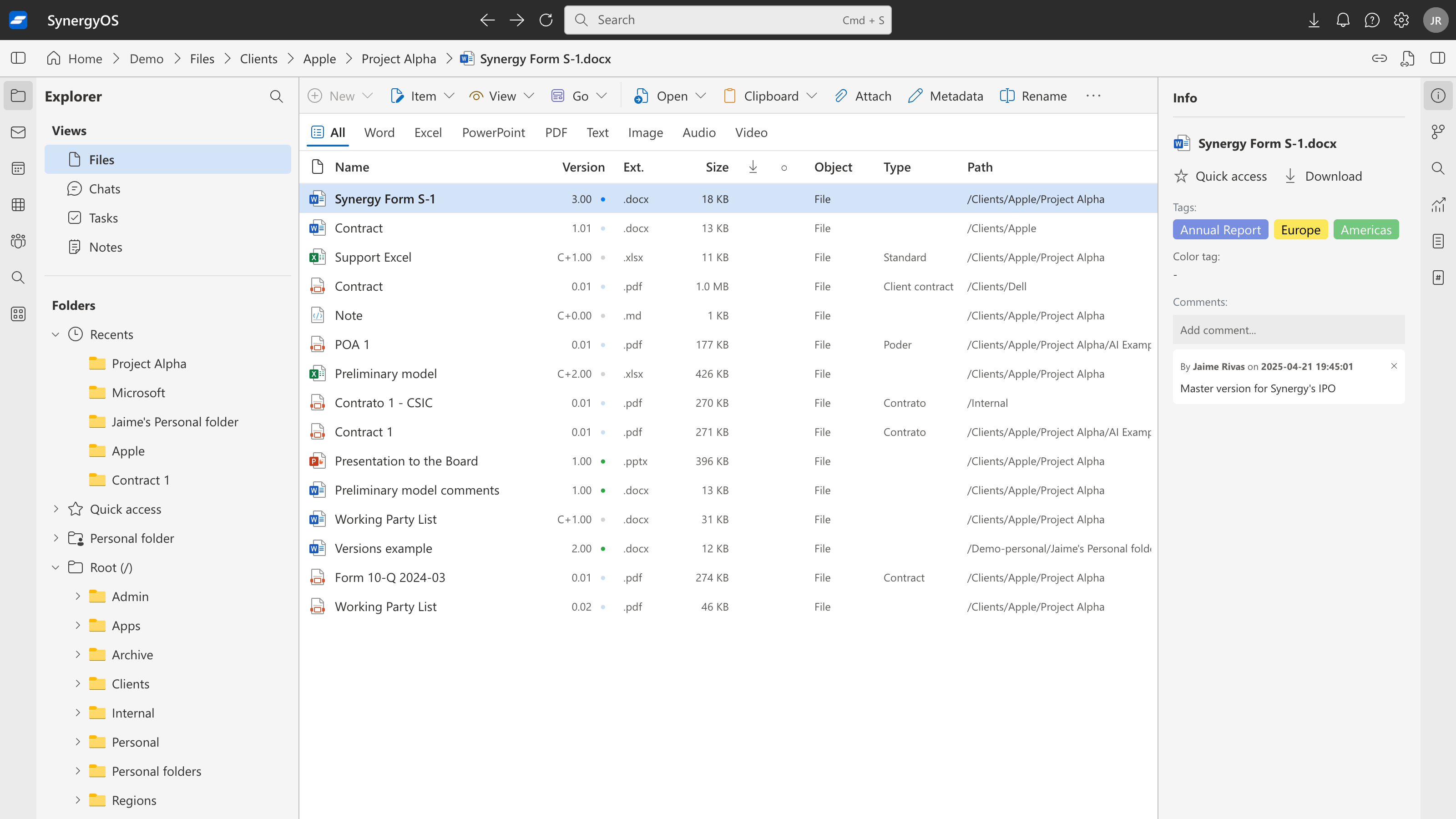
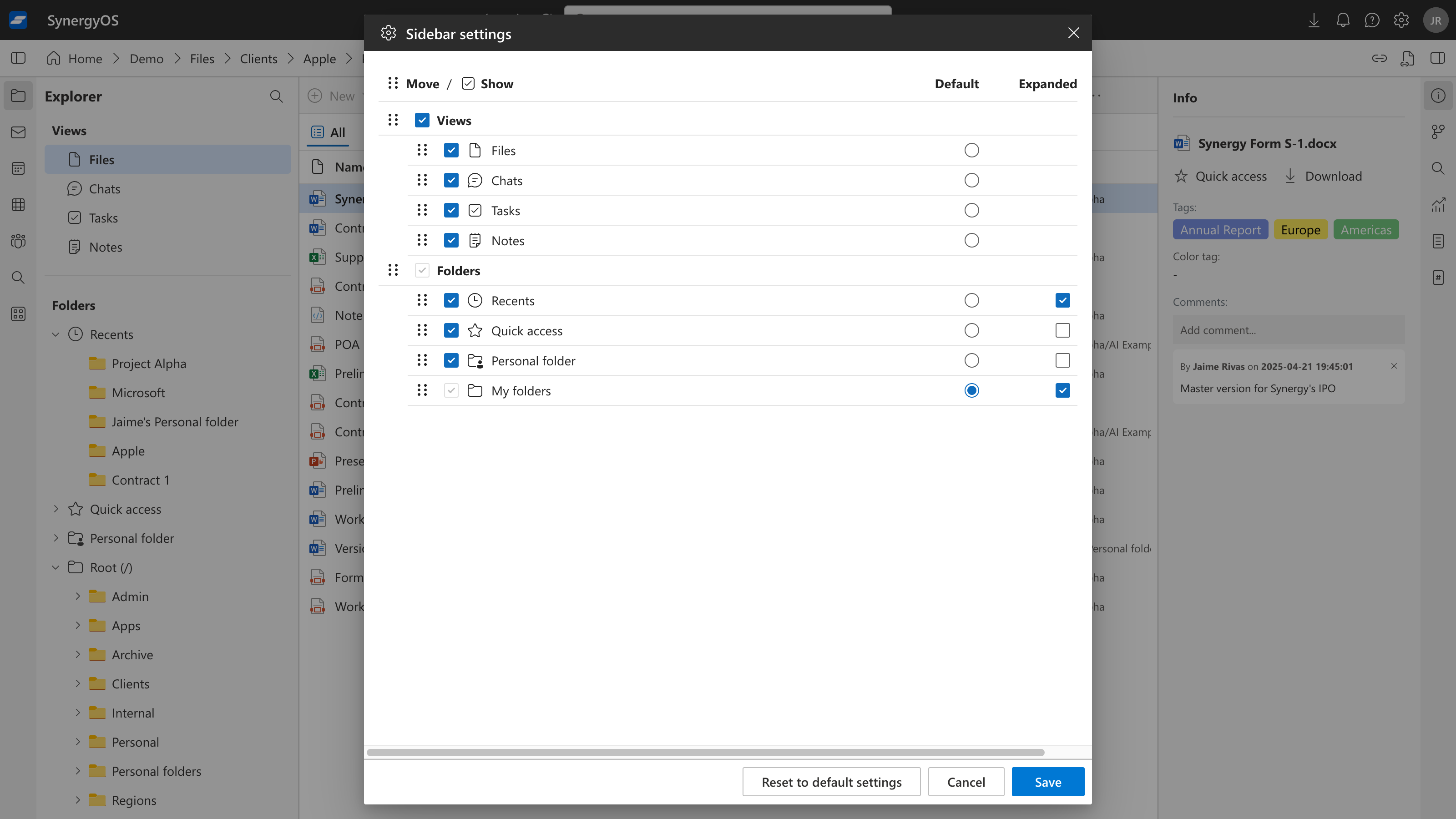
Introducing Explorer & Files
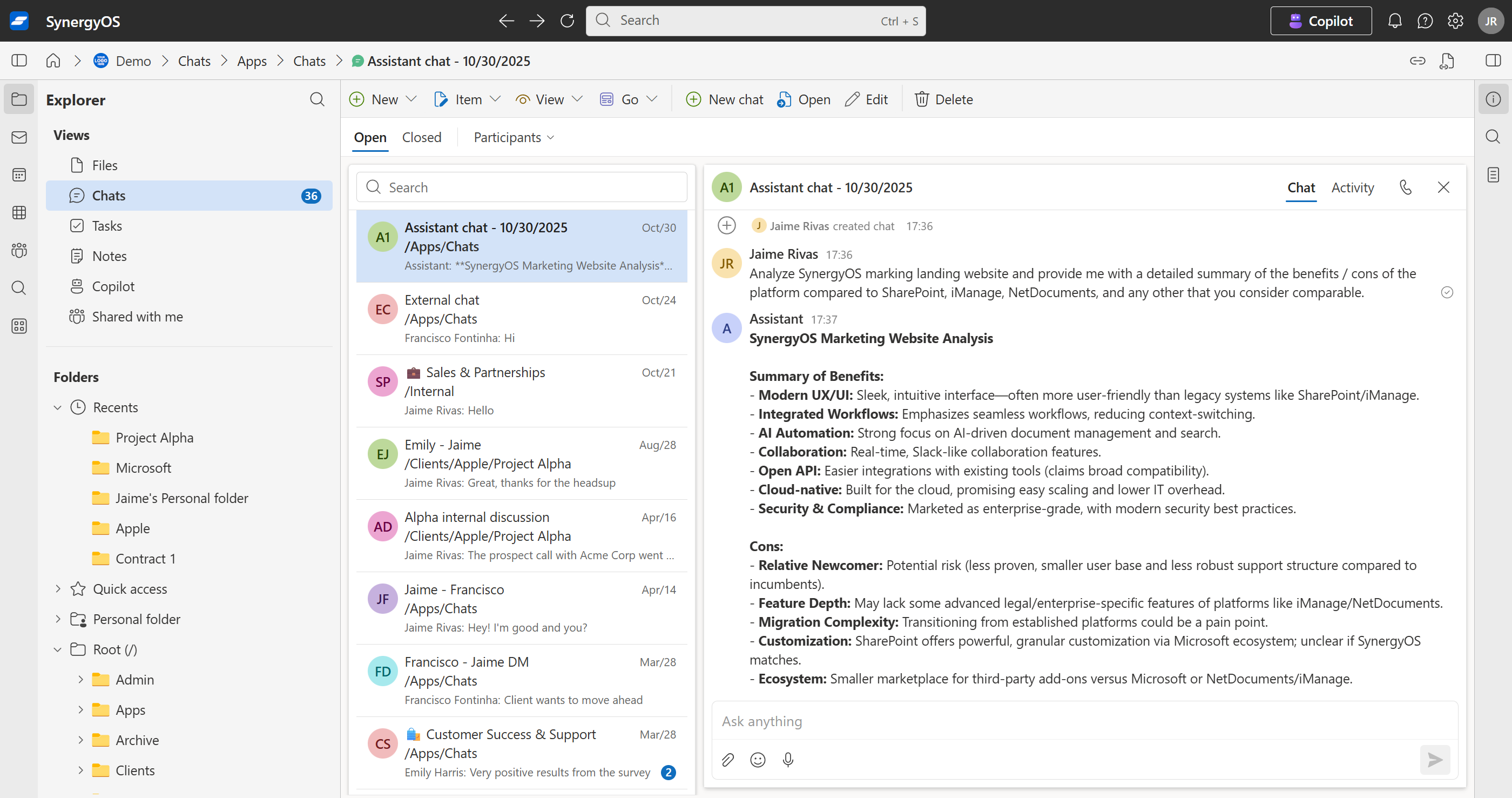
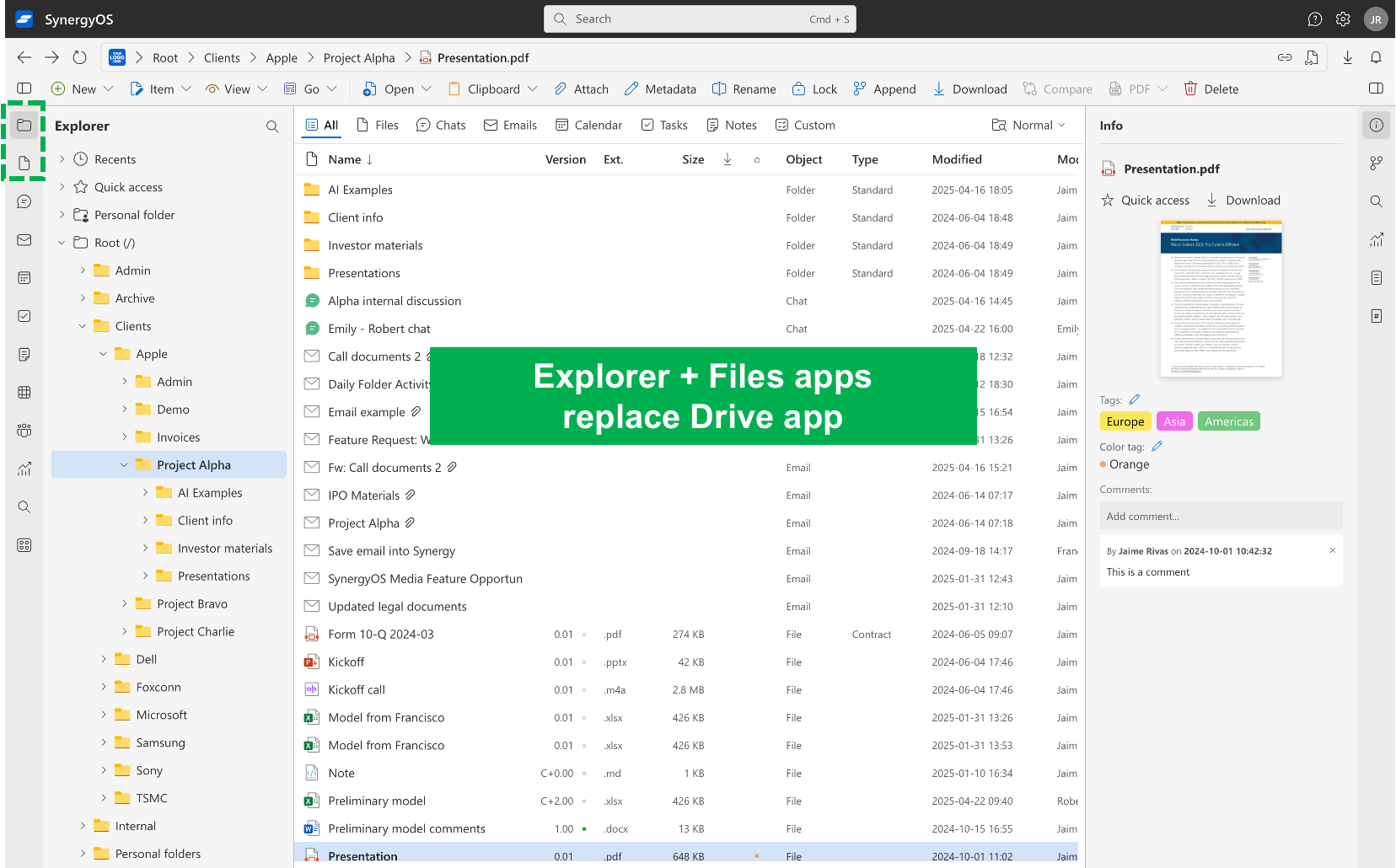
Explorer is now the default tab and the heart of SynergyOS. Explorer is the super‑app: it lets you see all your items — files, chats, emails, tasks, and more — organized inside a single, unified folder structure. This is a fundamental difference between SynergyOS and every other platform. By unifying everything in one place, Explorer simplifies your mental model and streamlines how you work.
For those who prefer a classic file manager, we’ve also added the new Files app. Files shows only your files and folders, giving you a focused, traditional file management experience.
In essence, we took Drive and replaced it with both Explorer and Files.
Directory App Revamp
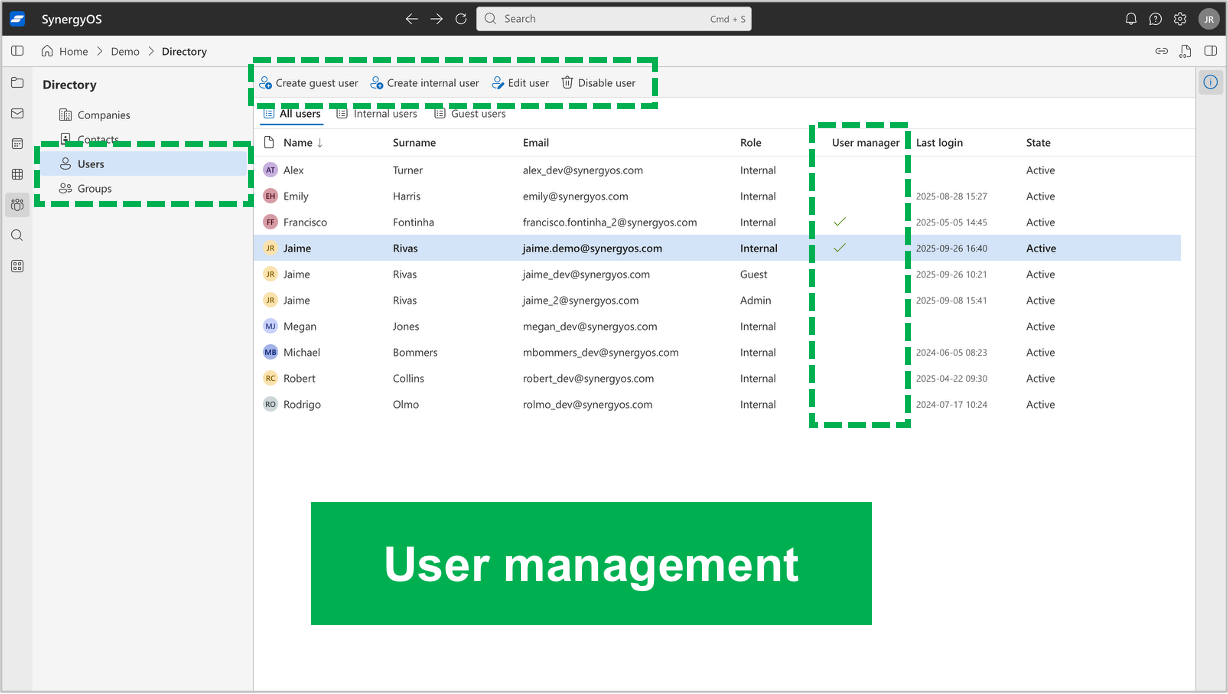
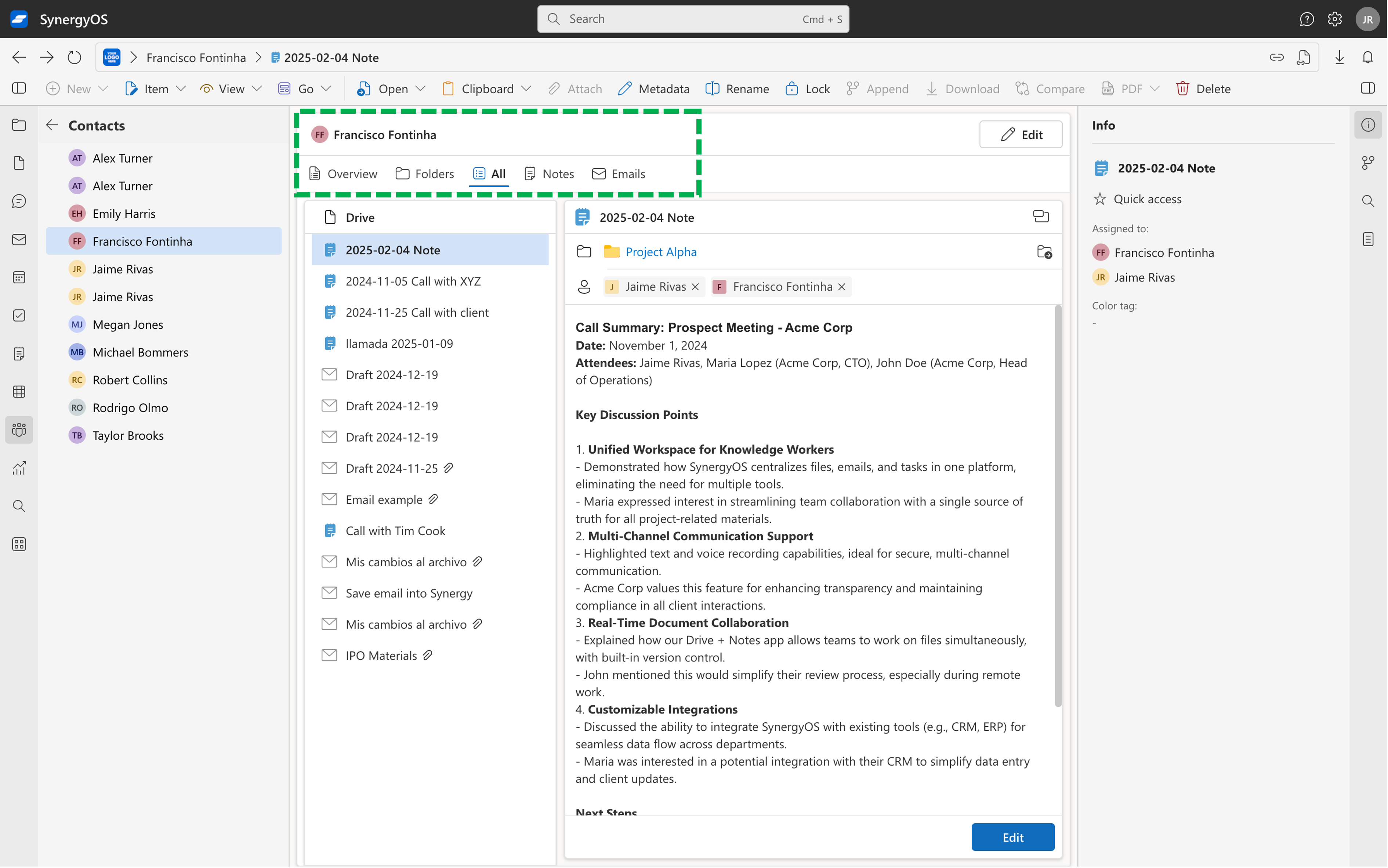
We’ve completely revamped the Directory App! Companies and contacts inside Directory have been improved for easier management and richer details. You can now also tag folders and items with companies and contacts, making it easier to organize and find related information across SynergyOS.
Email Smart Tagging
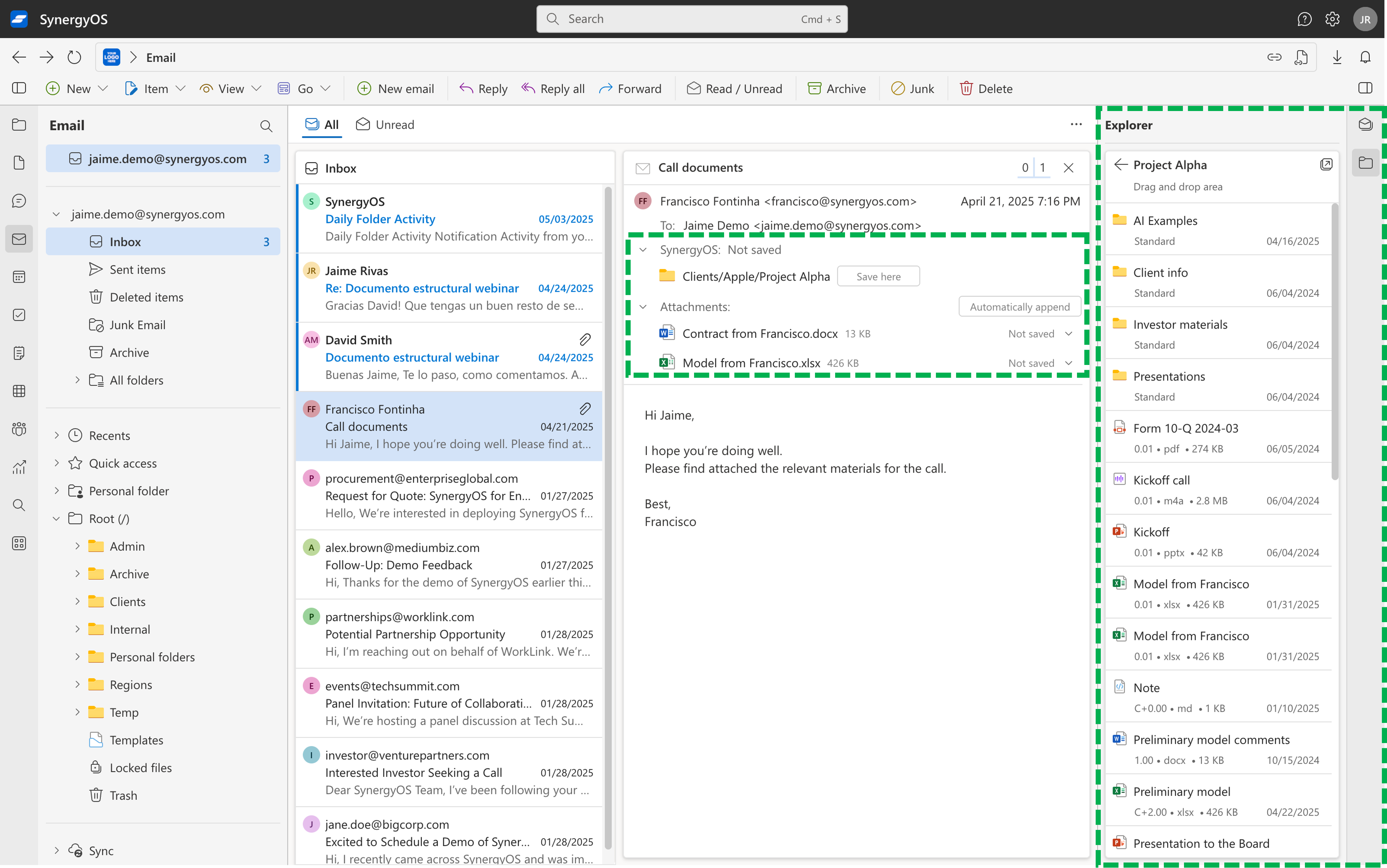
With our new smart tagging integration, when you tag a folder with a company (domains) or contacts, the email app will automatically suggest those locations when saving emails and attachments. This makes it faster and smarter to organize your communications, ensuring emails and files are always saved in the most relevant place with minimal effort.
We’ve also added a new Explorer tab inside the email details pane. This lets you quickly see the contents of the suggested folder and directly drag and drop files there, making it much faster to append files and manage version control right from your email workflow.
Typing Indicators in Chats
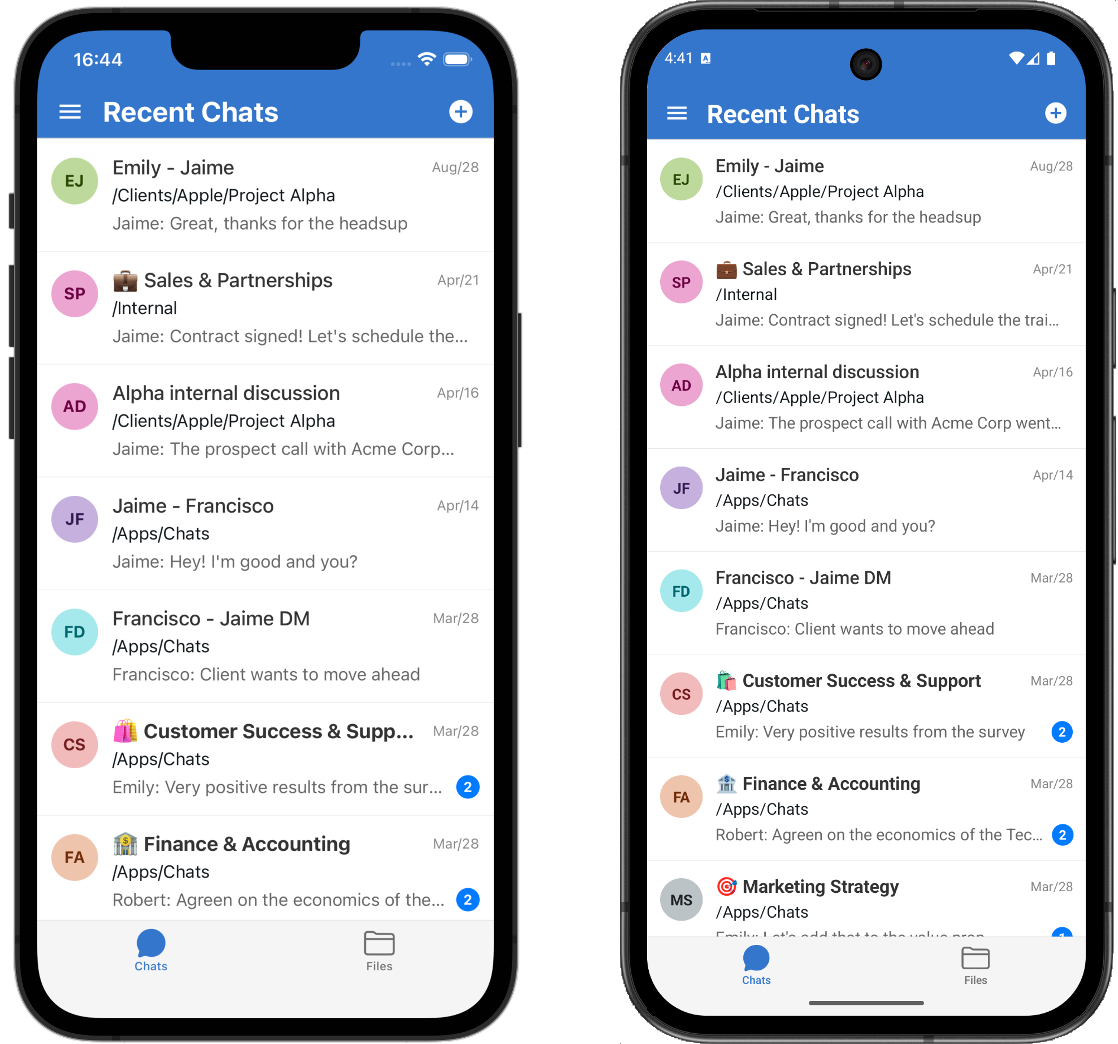
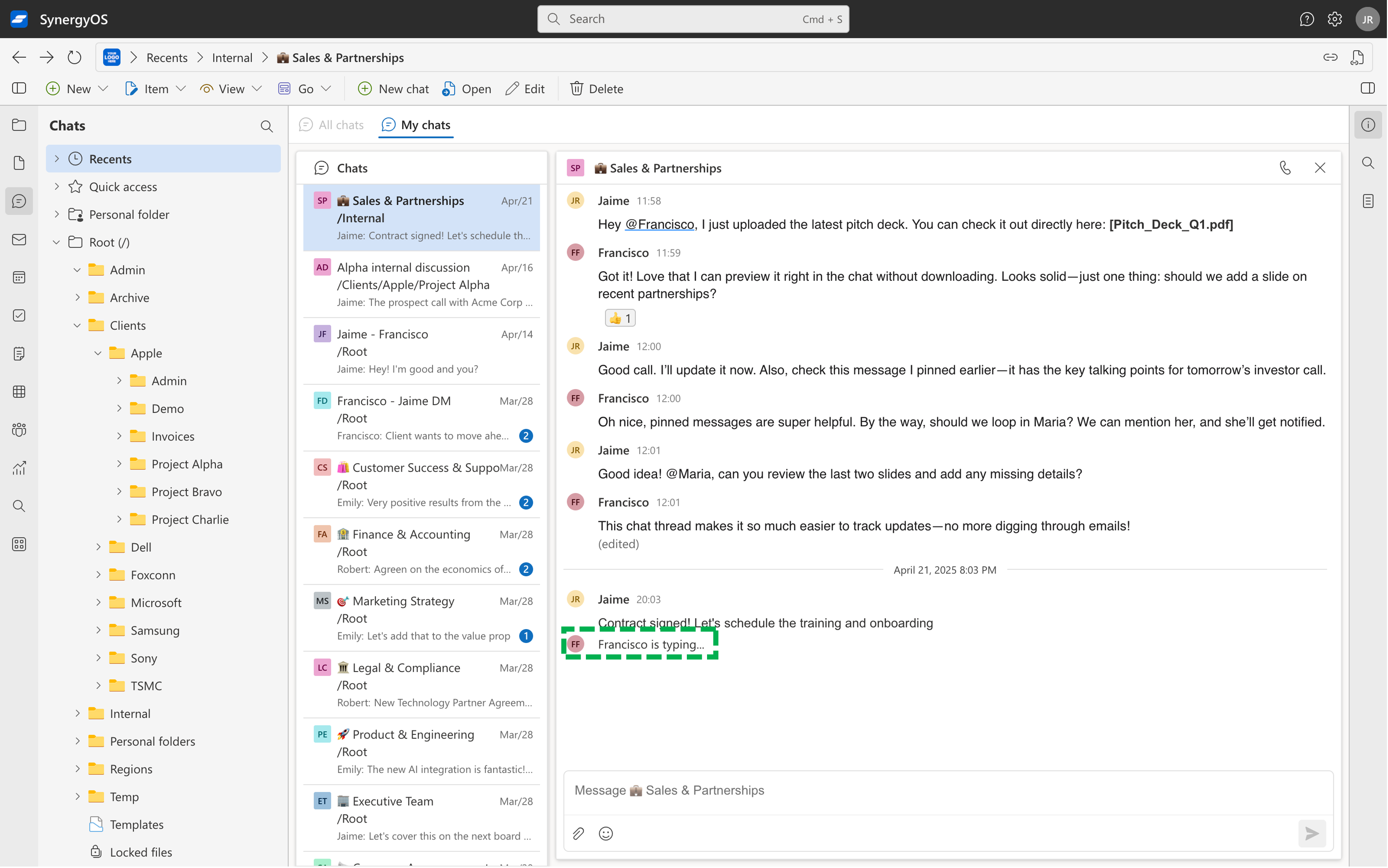
We’ve added typing indicators to chats! Now you’ll see when someone is typing in real time, making conversations feel more immediate and interactive. This small but powerful feature helps you stay in sync with your team and makes chat communication even smoother.
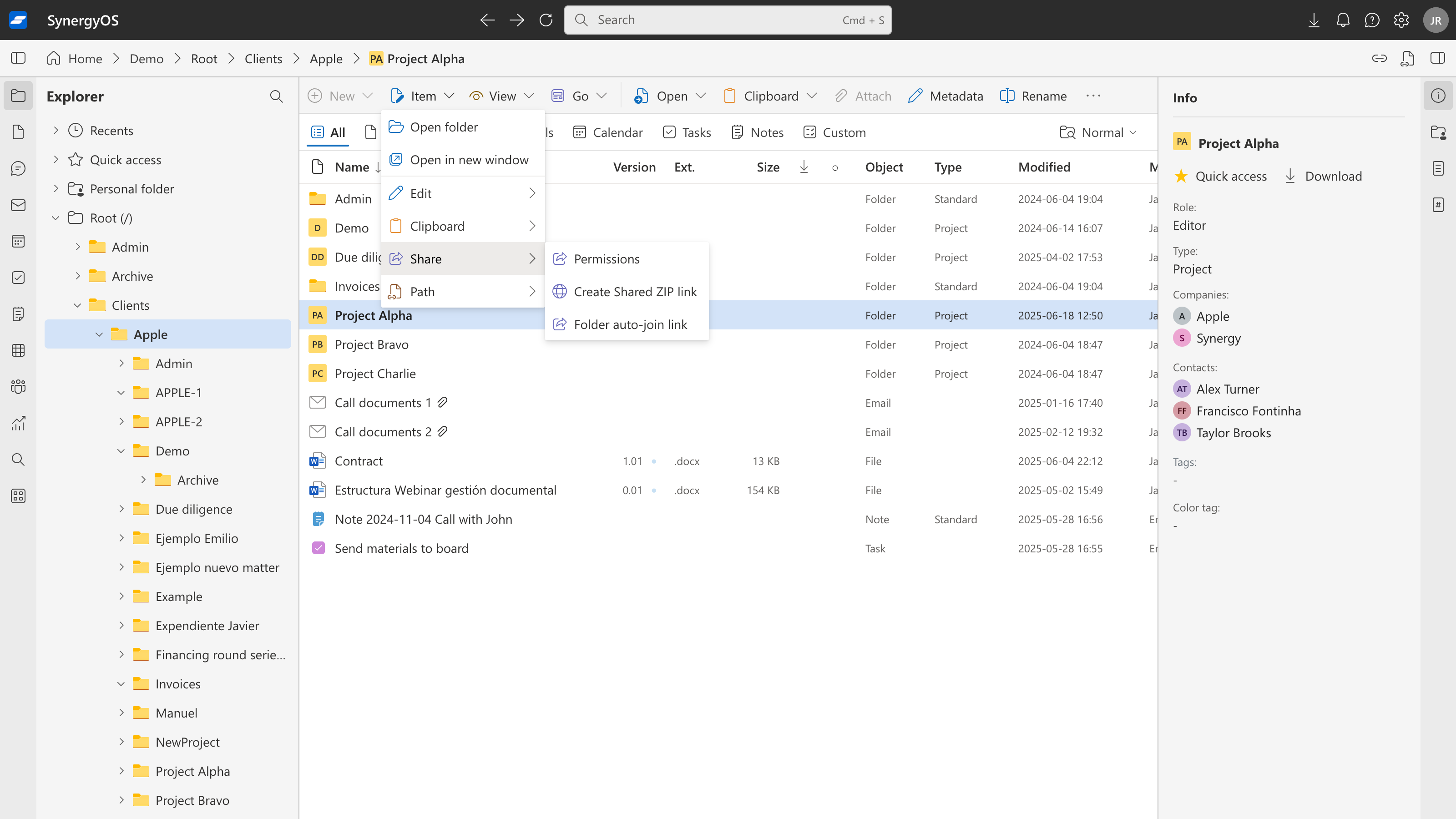
Shared ZIP Links
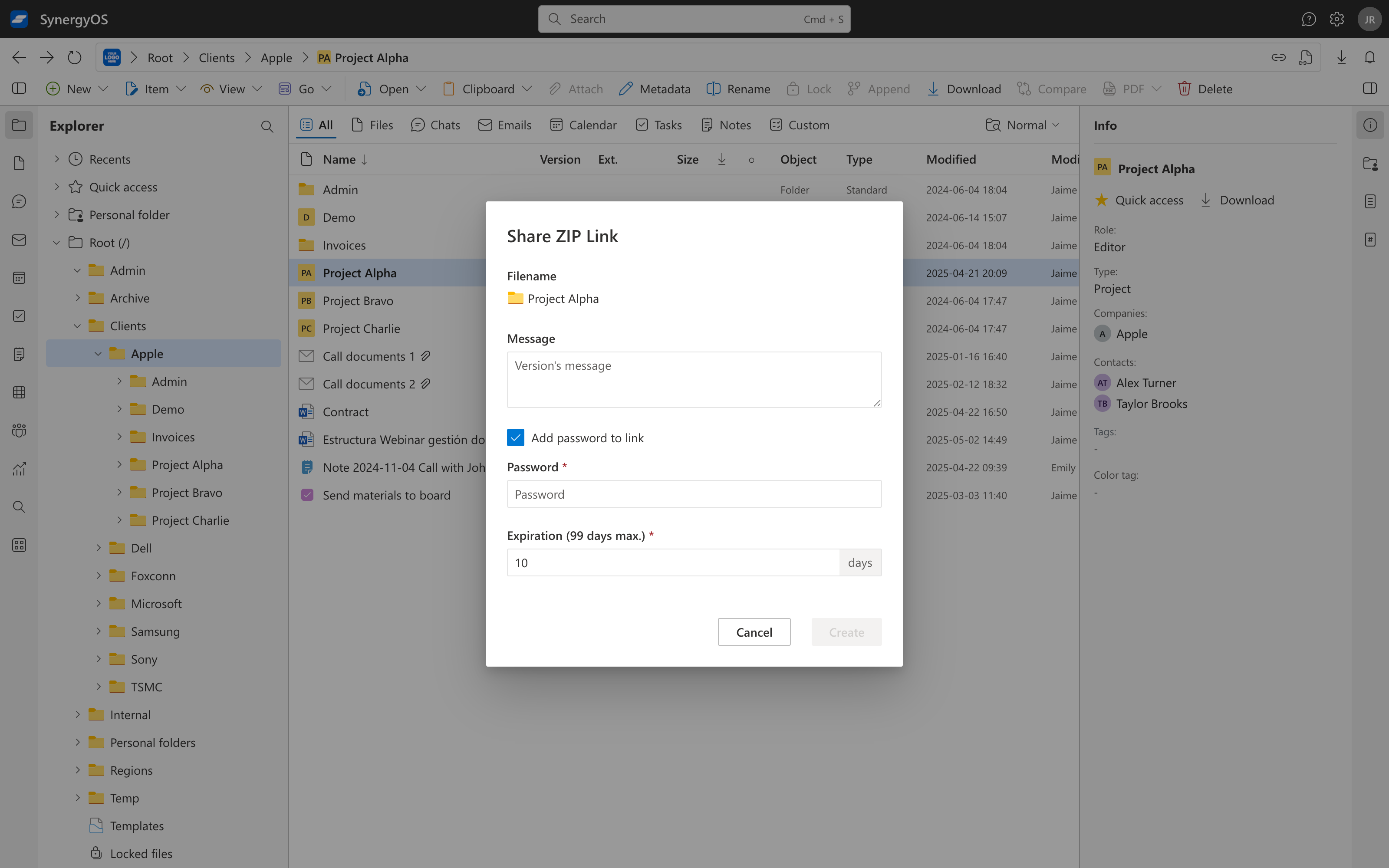
We’ve renamed public links to Shared ZIP links and made several backend and design improvements to make sharing files even easier and more reliable. Looking ahead, we plan to introduce more types of shared links to give you even greater flexibility and control over how you share your content.
Roadmap
In May, we’ll focus on backend improvements and small frontend updates in both web and mobile.
As always, we’d love to hear your thoughts.
The SynergyOS Team