Admin Center
Manage users, groups, and organizational policies using SynergyOS's Admin Center.
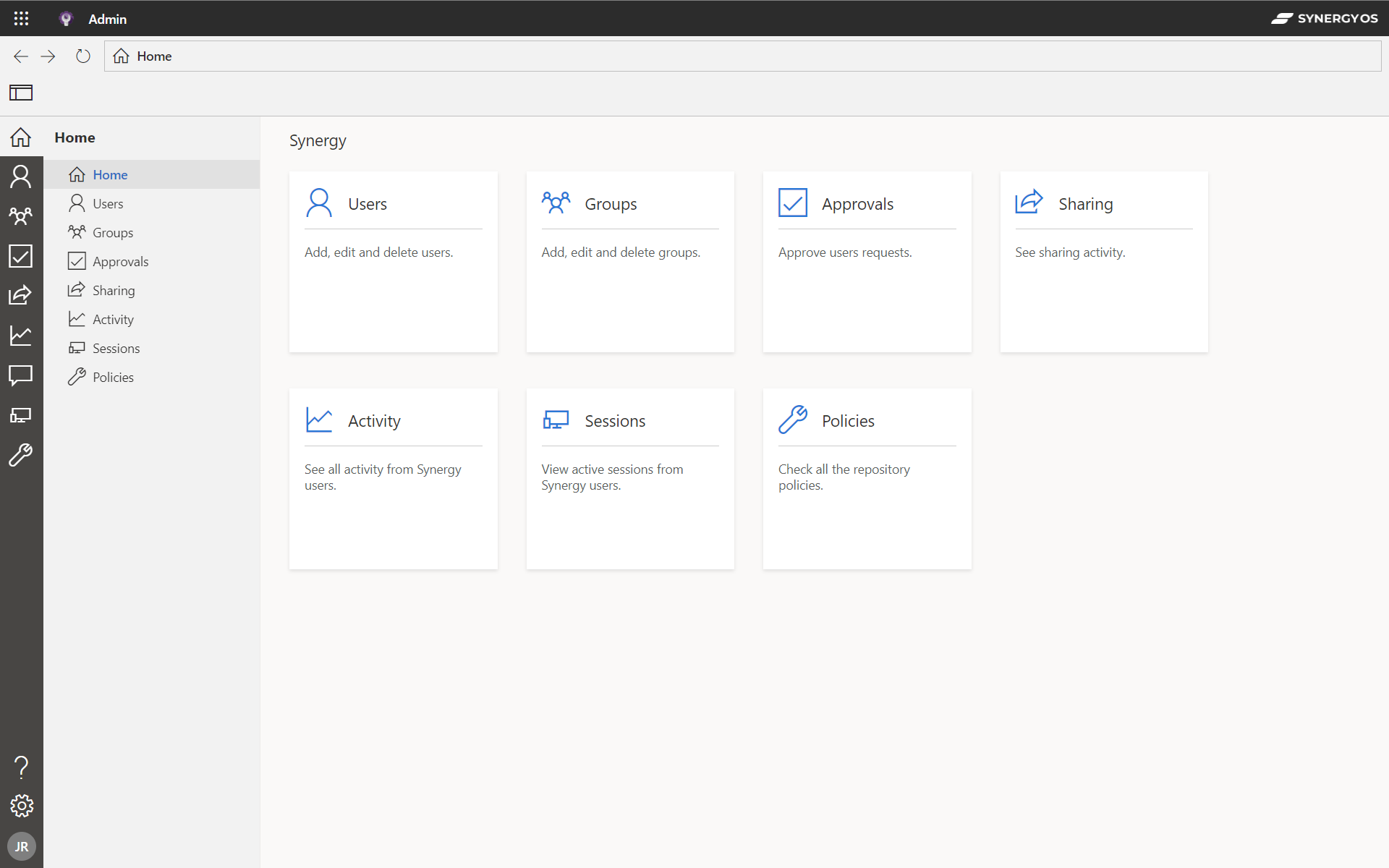
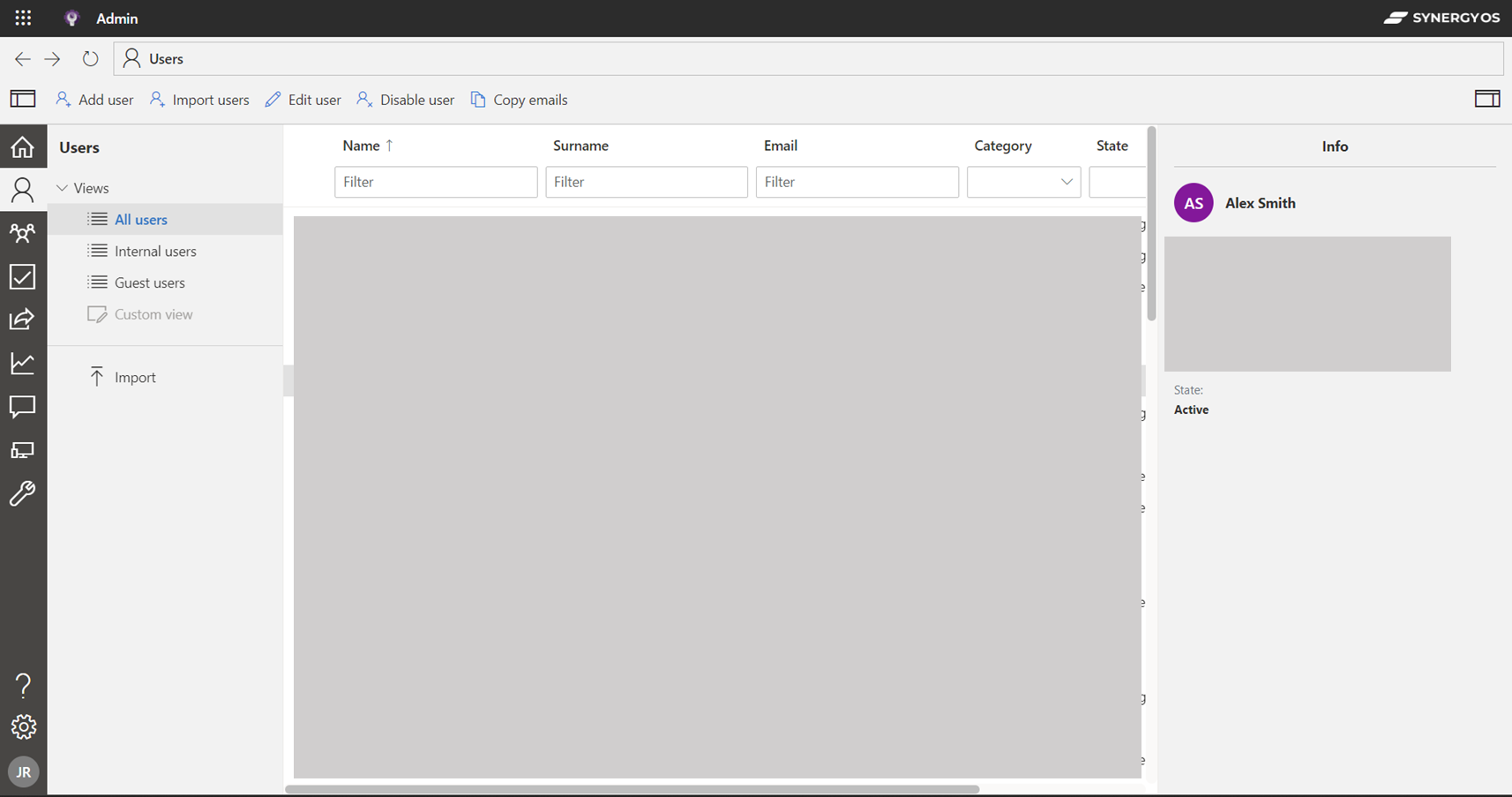
Users
Manage individual user accounts including roles, permissions, and activity logs.
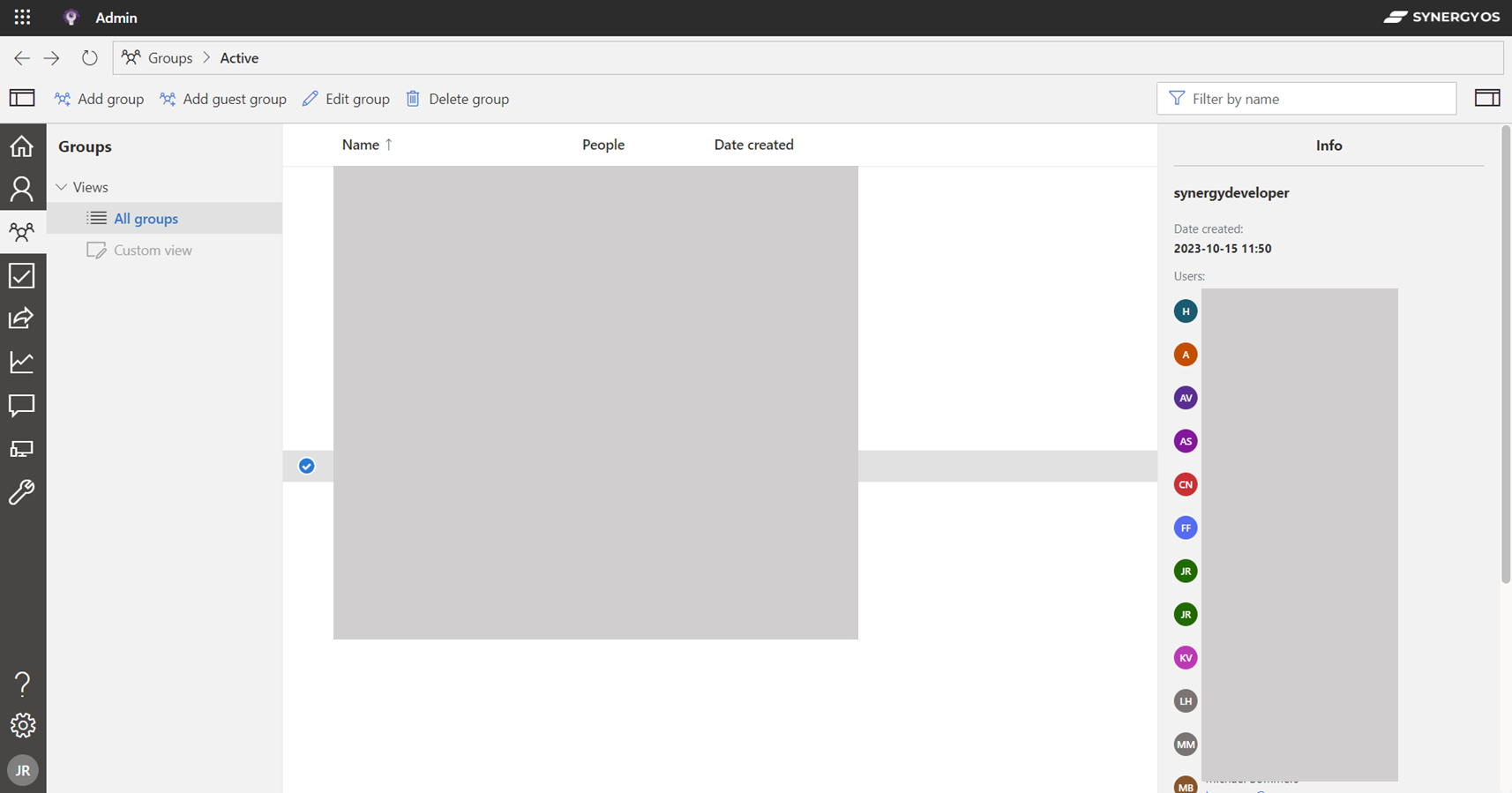
Groups
Organize users into groups for easier management and permission settings.
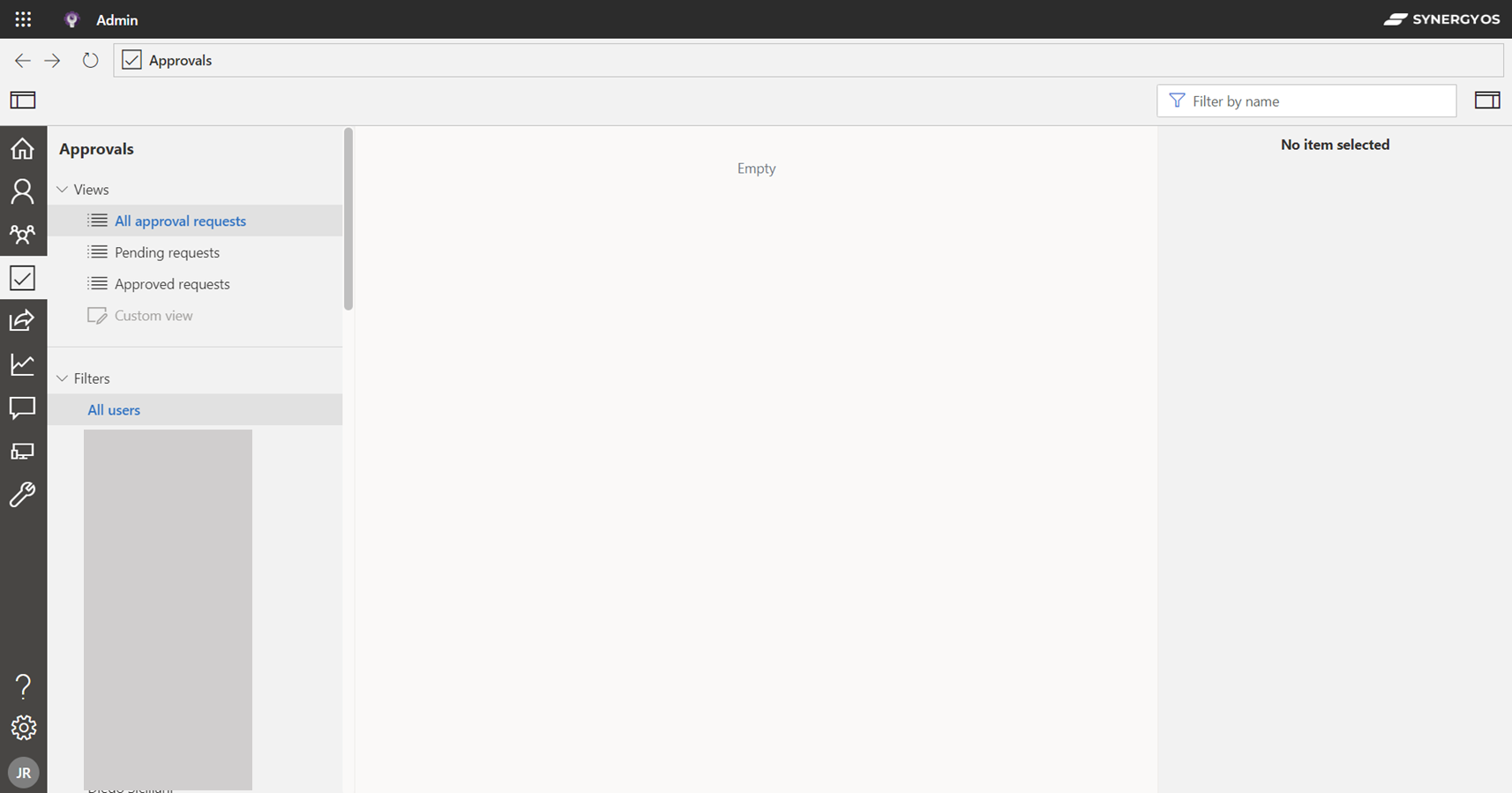
Approvals
Manage pending user and group actions requiring admin approval.
- Approve or deny new group creations.
- Validate external user invites.
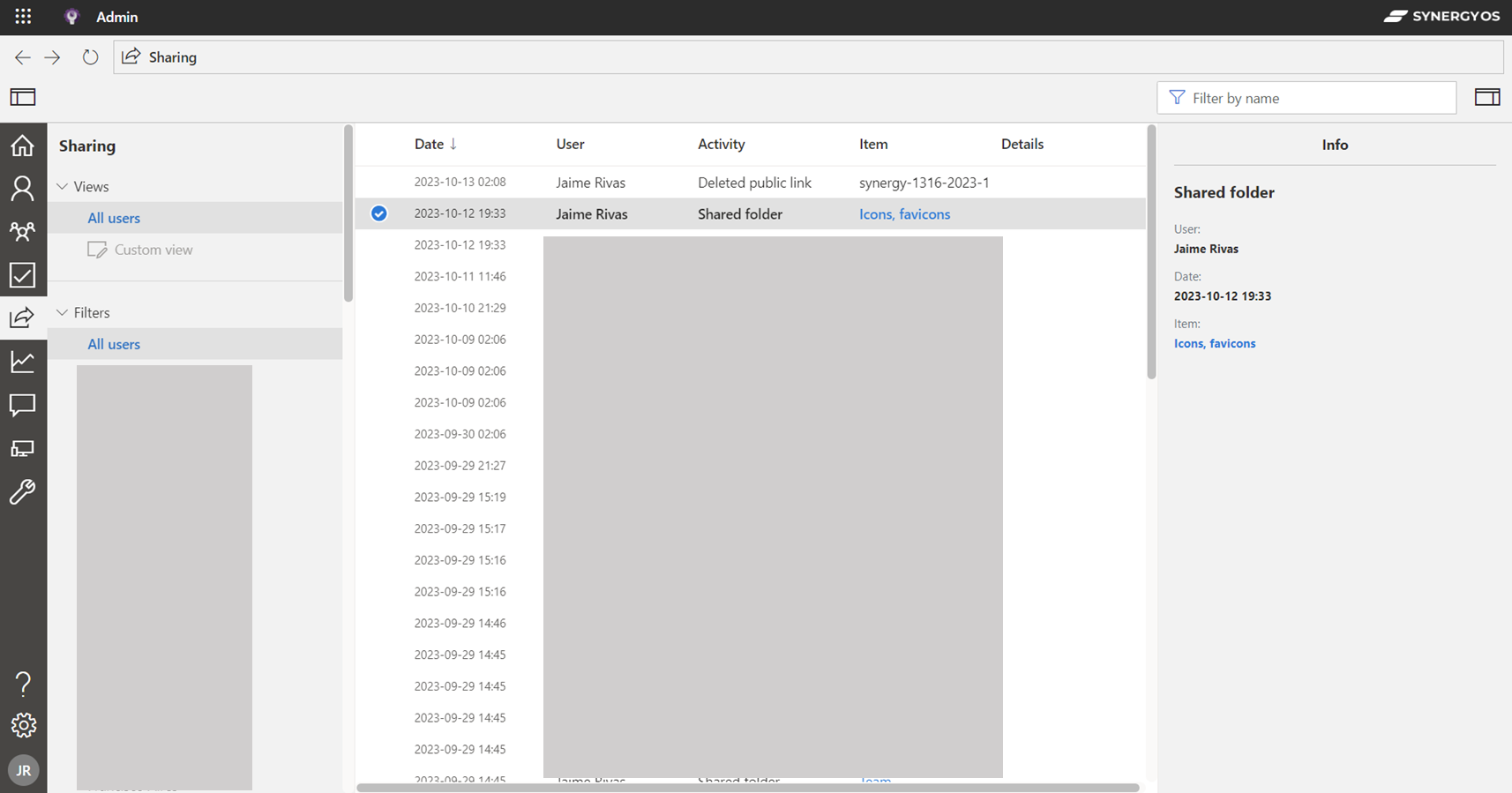
Sharing
Control what is shared outside the organization.
- Enable/disable file sharing.
- Set sharing permissions at the group level.
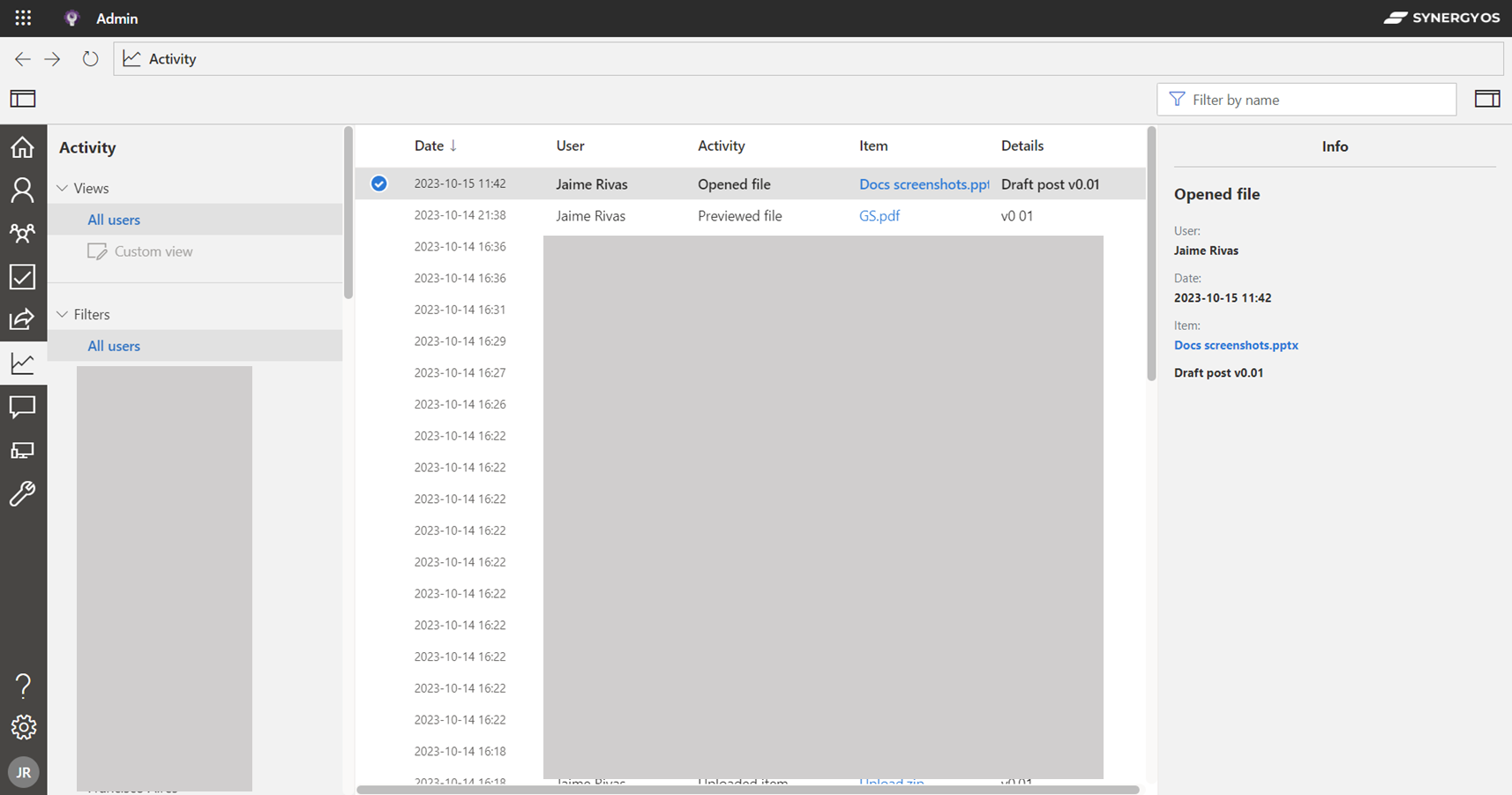
Activity
Monitor system-wide activity.
- Real-time logging of user activities.
- Export logs for audit.
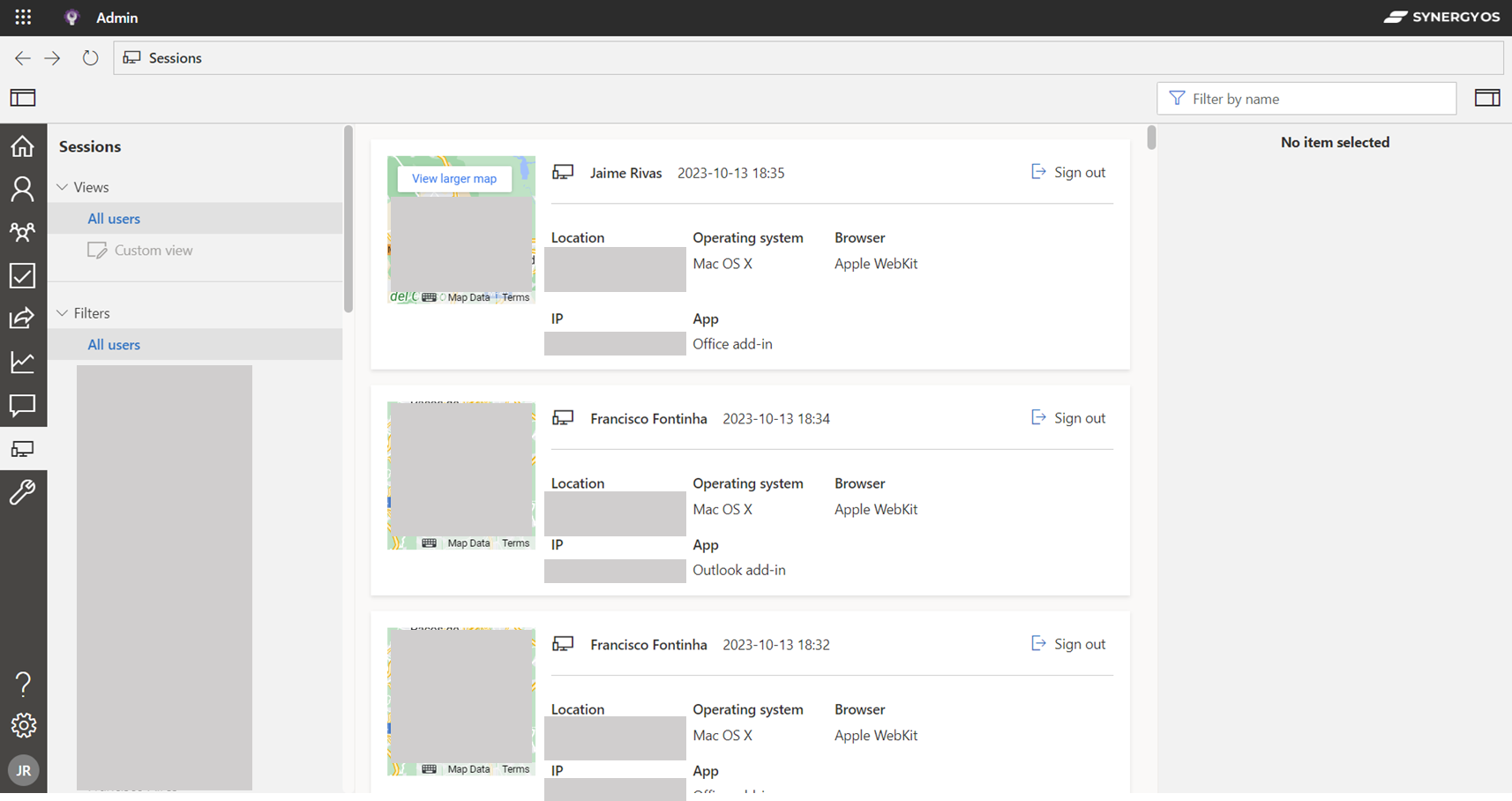
Sessions
Oversee active user sessions.
- Forced logouts.
- Session timeout settings.
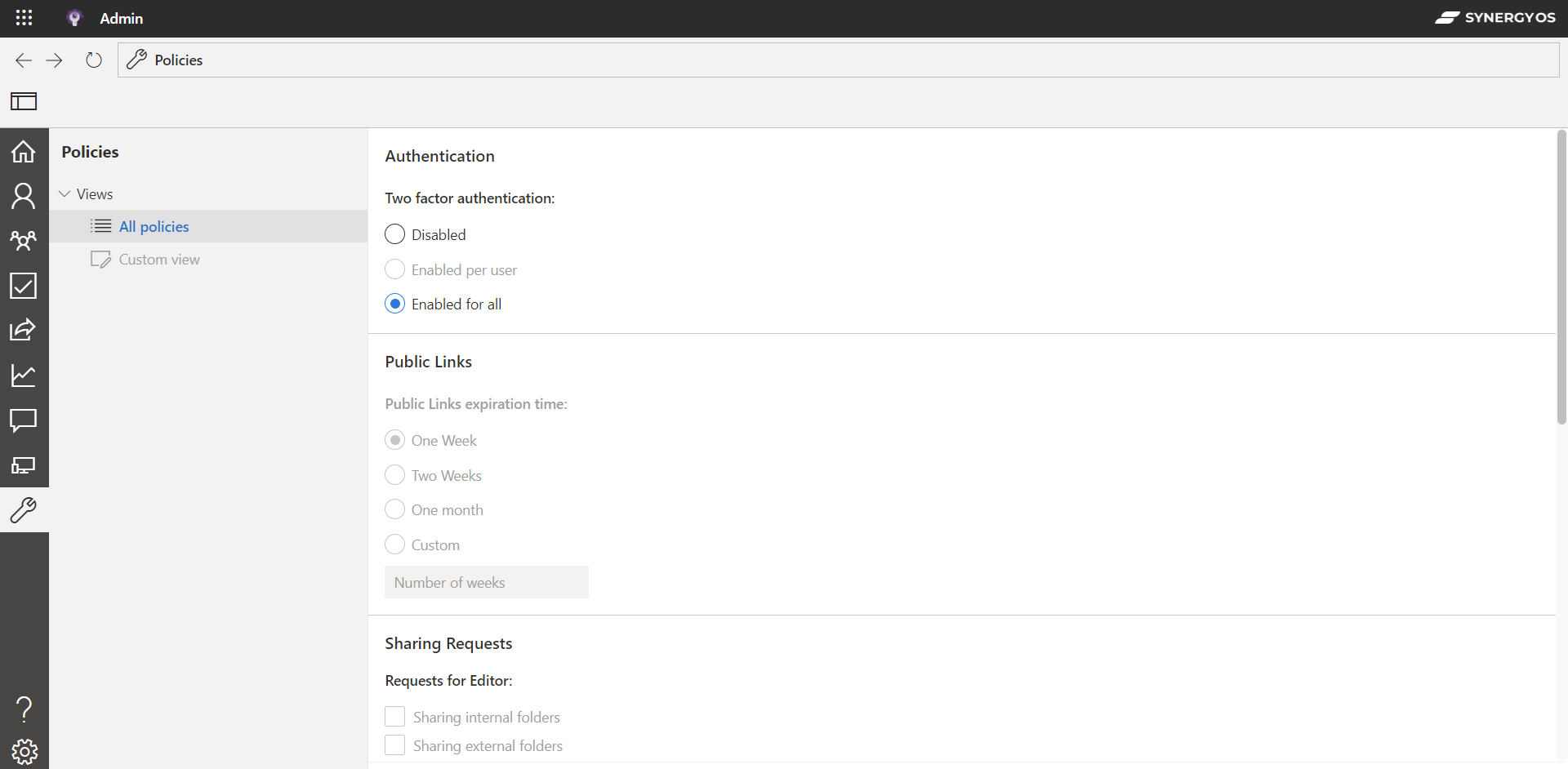
Policies
Implement and manage organization-wide policies.
- Password Policies
- Data Retention
Kibana
Synergy Self-managed deployments are also configured to capture all operational data and ingest it into ElasticSearch to easily visualize and analyze your data in Kibana and to have complete control of your deployments.
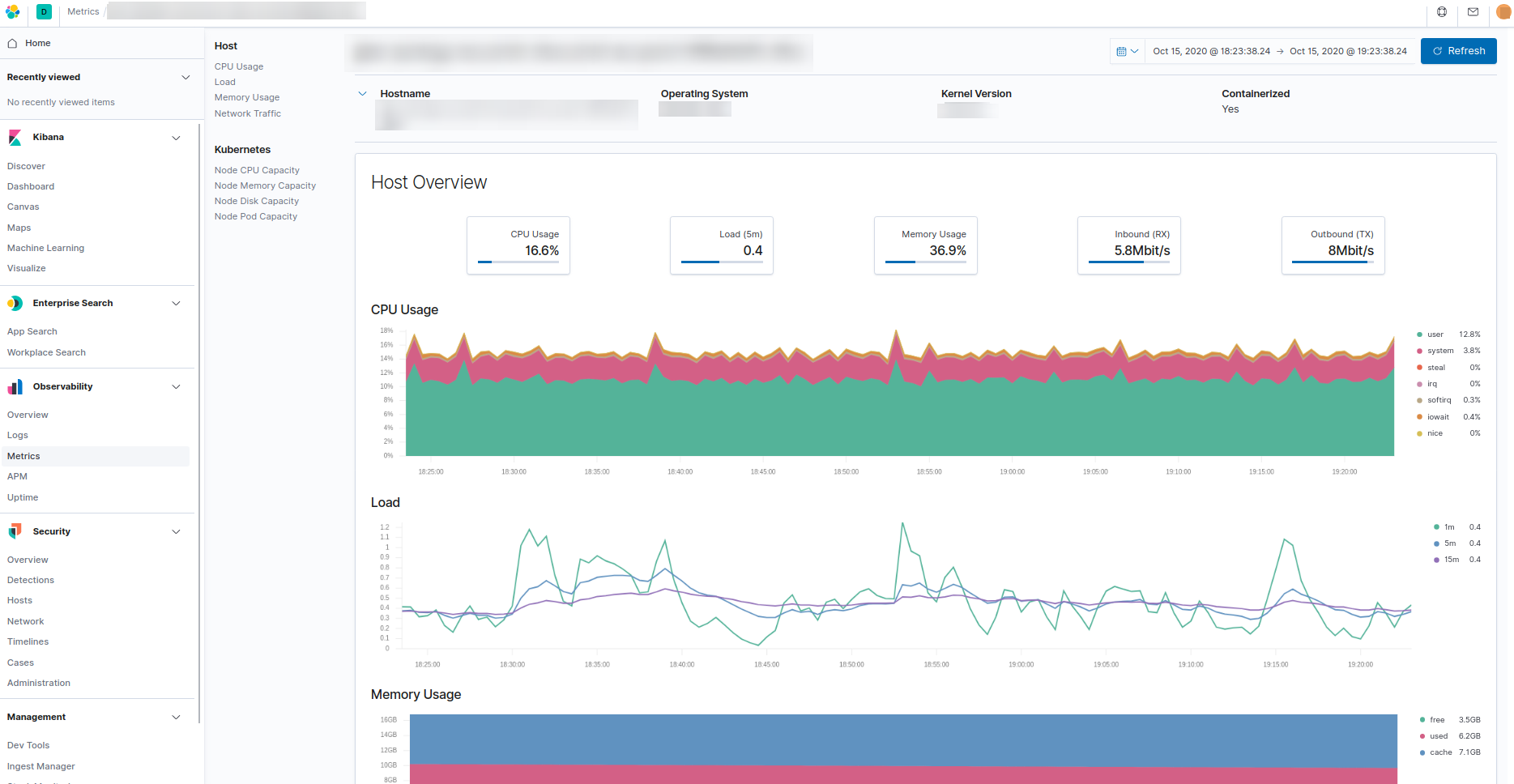
The pre-configured operational data includes containers audit data, log files, availability, metrics and network traffic.
This information is available in Kibana and SynergyOS Admin Center.